




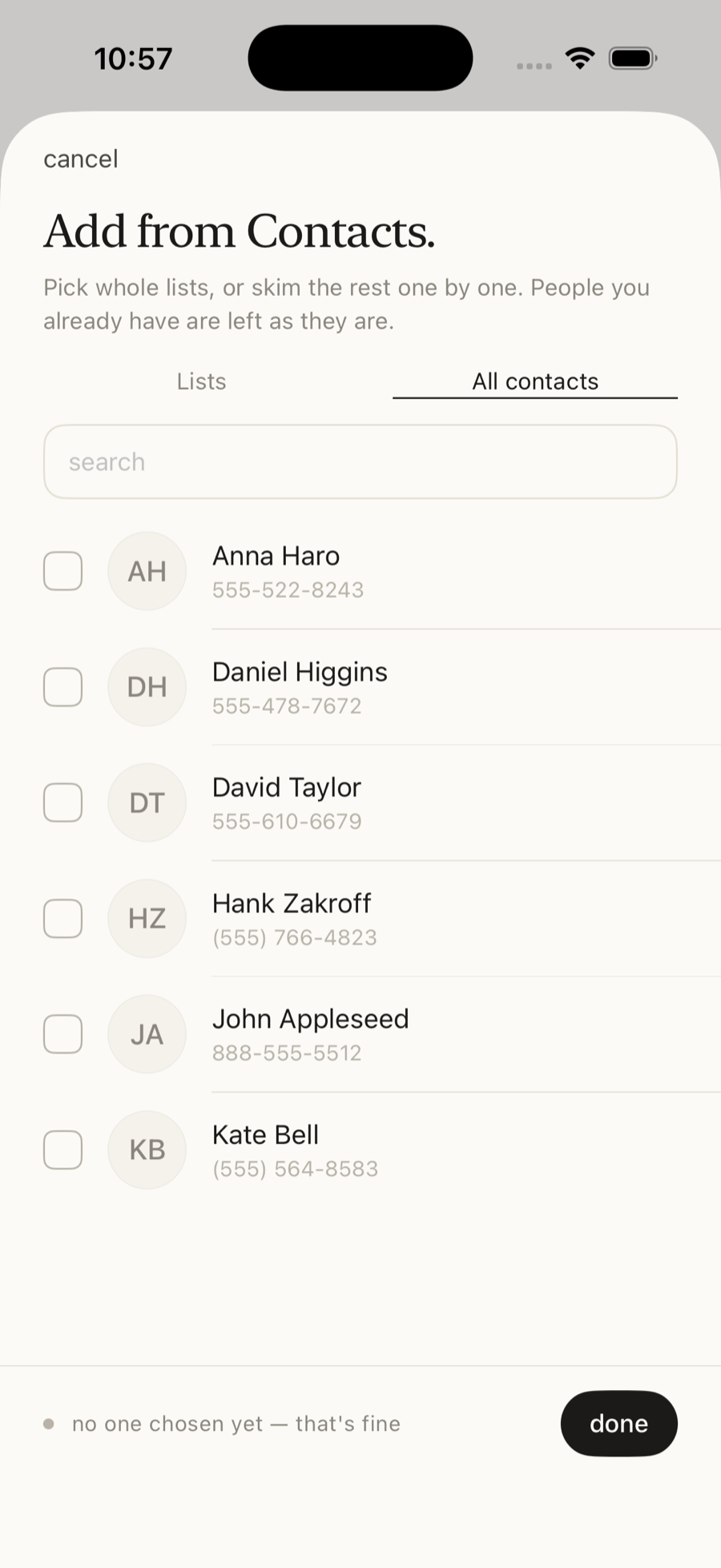
Individual contacts
People tab → tap +, open All contacts, tick the people you want, then Add.
Two things to learn, then a handful of small touches. Add the people you care about, use your voice for almost everything else, and Prezence quietly keeps the rest in order.
Prezence works from your existing contacts, so there's no list to build from scratch. Bring people in once, and you're ready.
There are three ways to get people into Prezence — use whichever suits the moment.
People tab → tap +, open All contacts, tick the people you want, then Add.
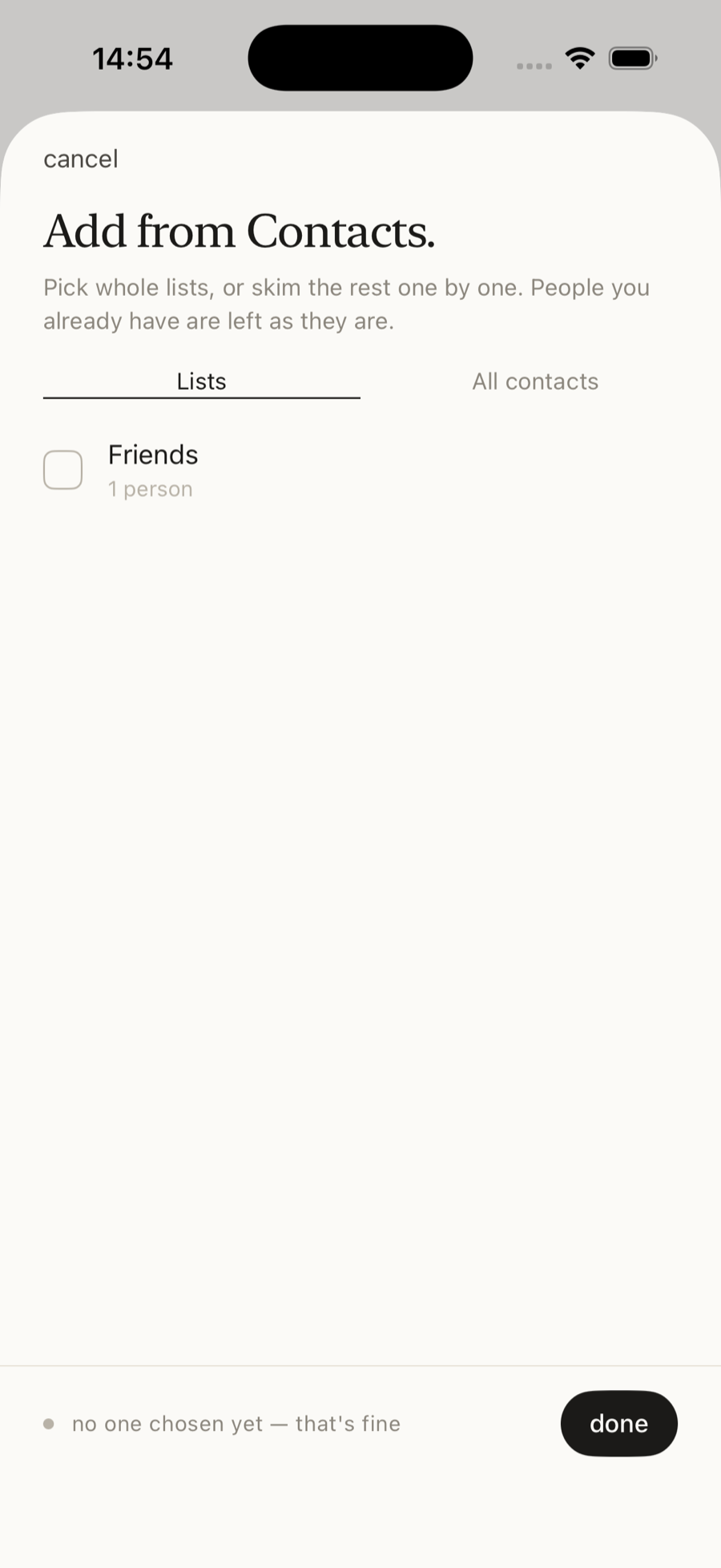
Already keep lists in Apple Contacts? Import a whole list — and a matching Prezence Group is created automatically. People tab → tap +, choose Lists, tick a list (like “Friends”), then Add.
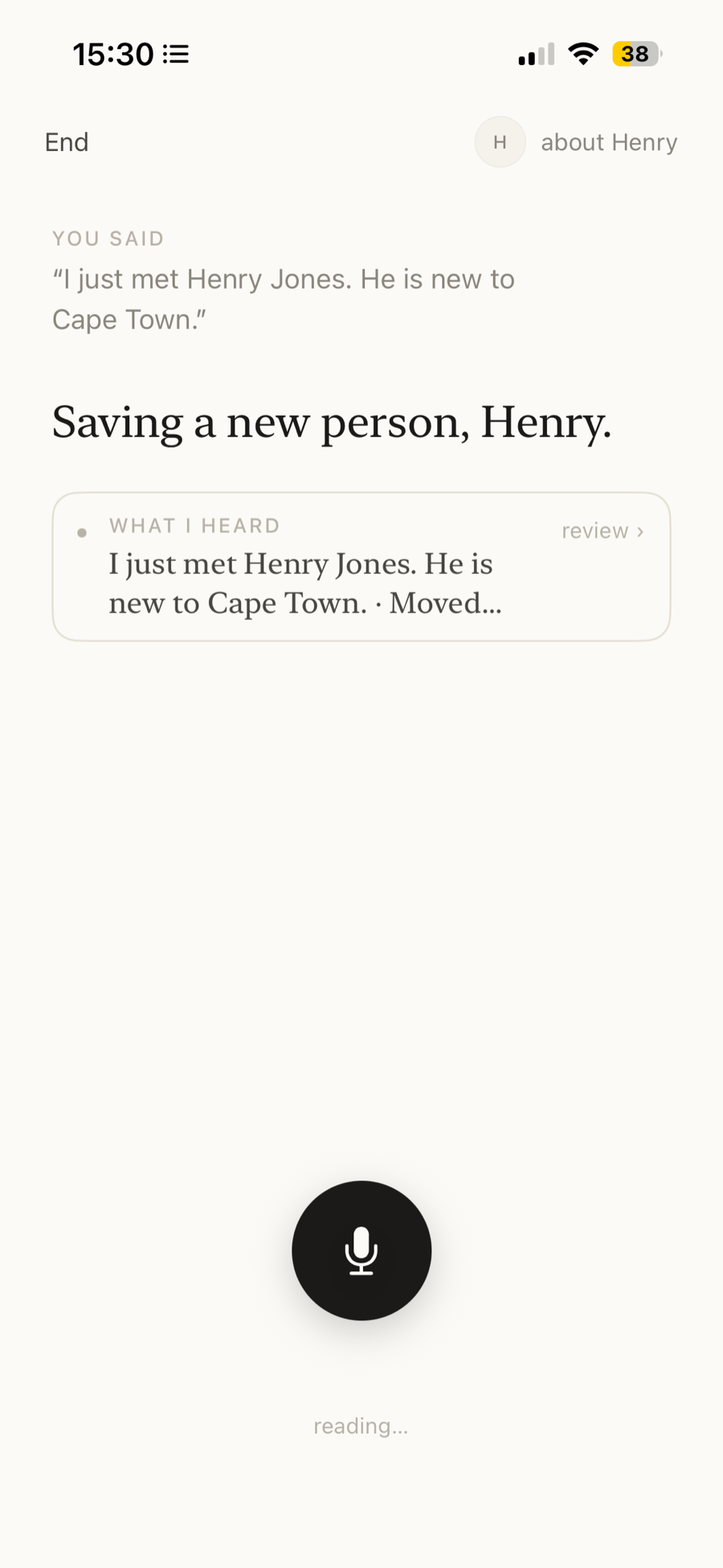
On Today, tap the mic and just talk about someone new. When Prezence doesn’t recognise the name, it asks you to confirm — and creates them when you save.
Prezence is built to be spoken to, not typed at. The same mic does four different jobs — tap through to see each.
Tap any of these to see how it's done.
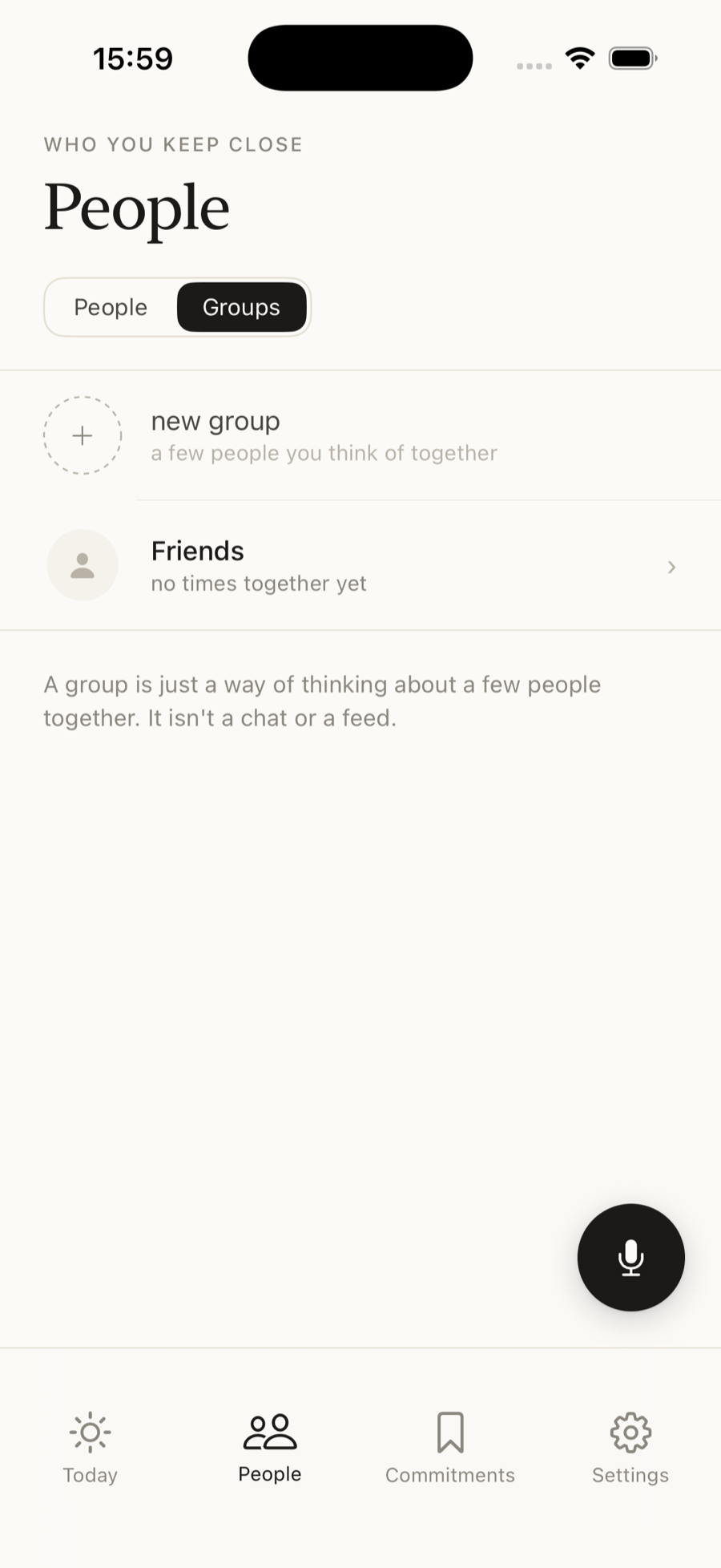
People tab → Groups → new group. Name the group and add members. Open a group to capture a note or a commitment for everyone in it at once. Tip: if you keep lists in your Apple Contacts, importing a list automatically creates a matching Group.
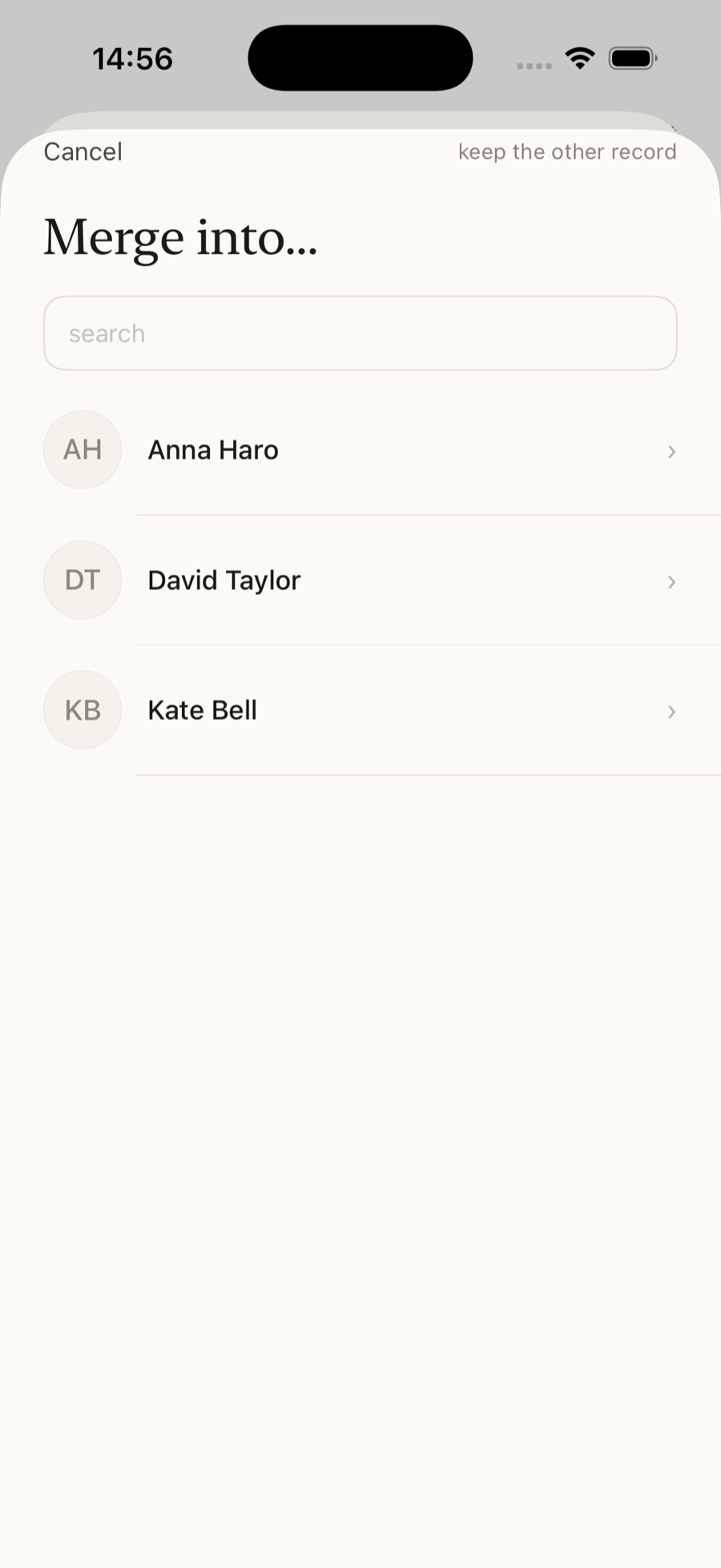
Open the duplicate → Edit → Merge into another person… → choose the person to keep. Their notes, dates and commitments move across, and the duplicate is removed.
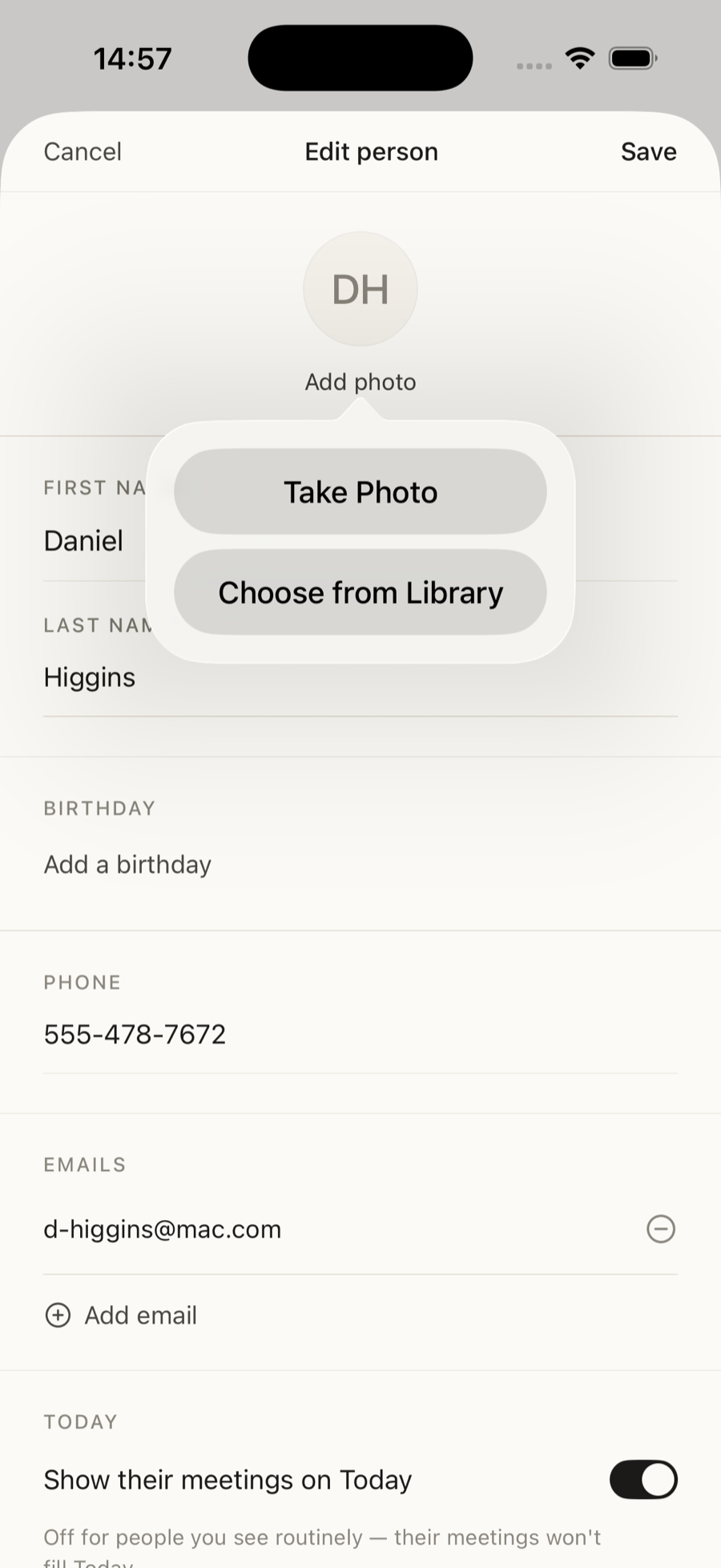
Open a person or a group → Edit → tap Add photo → Take Photo or Choose from Library.
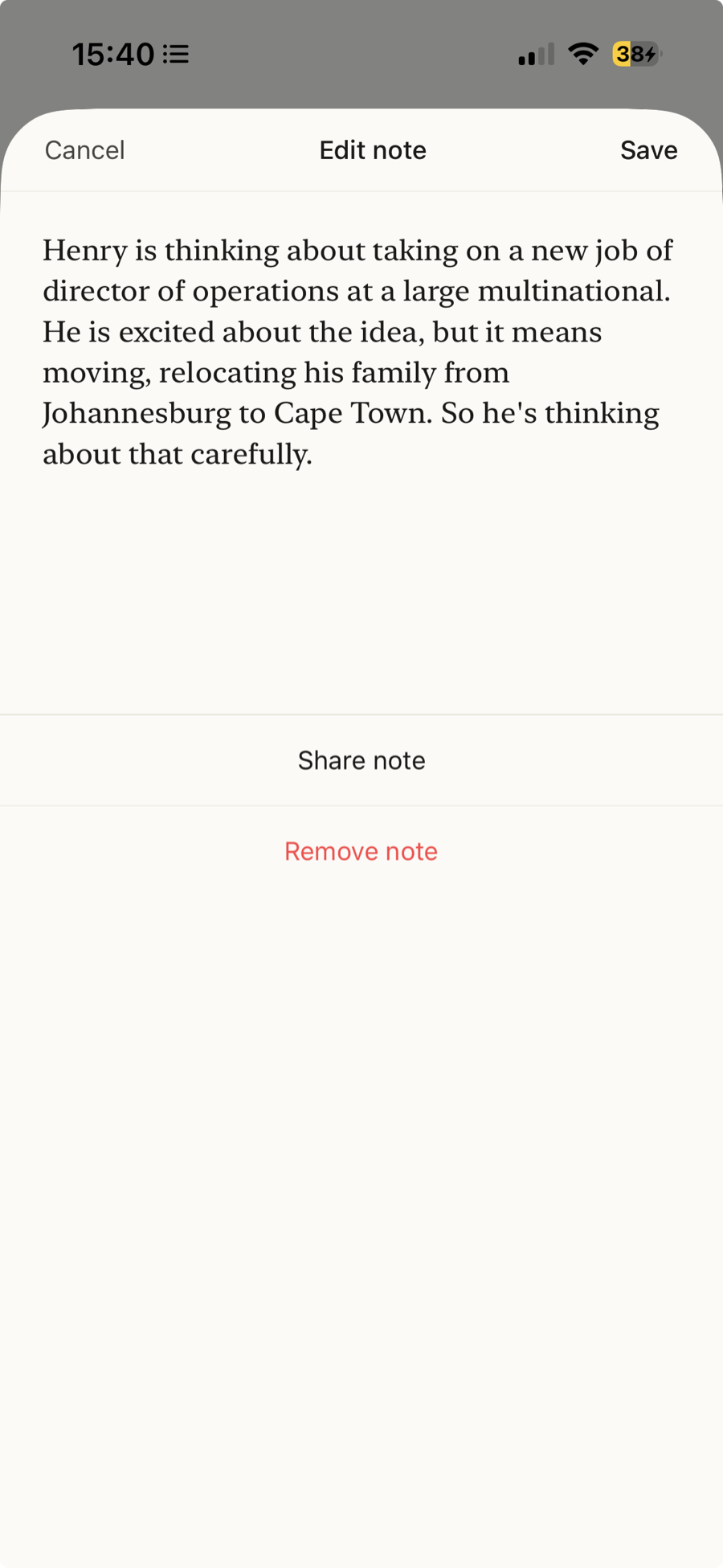
Open the note → tap Share note → pick WhatsApp, Mail, Messages — wherever you like. Only that one note leaves the app.
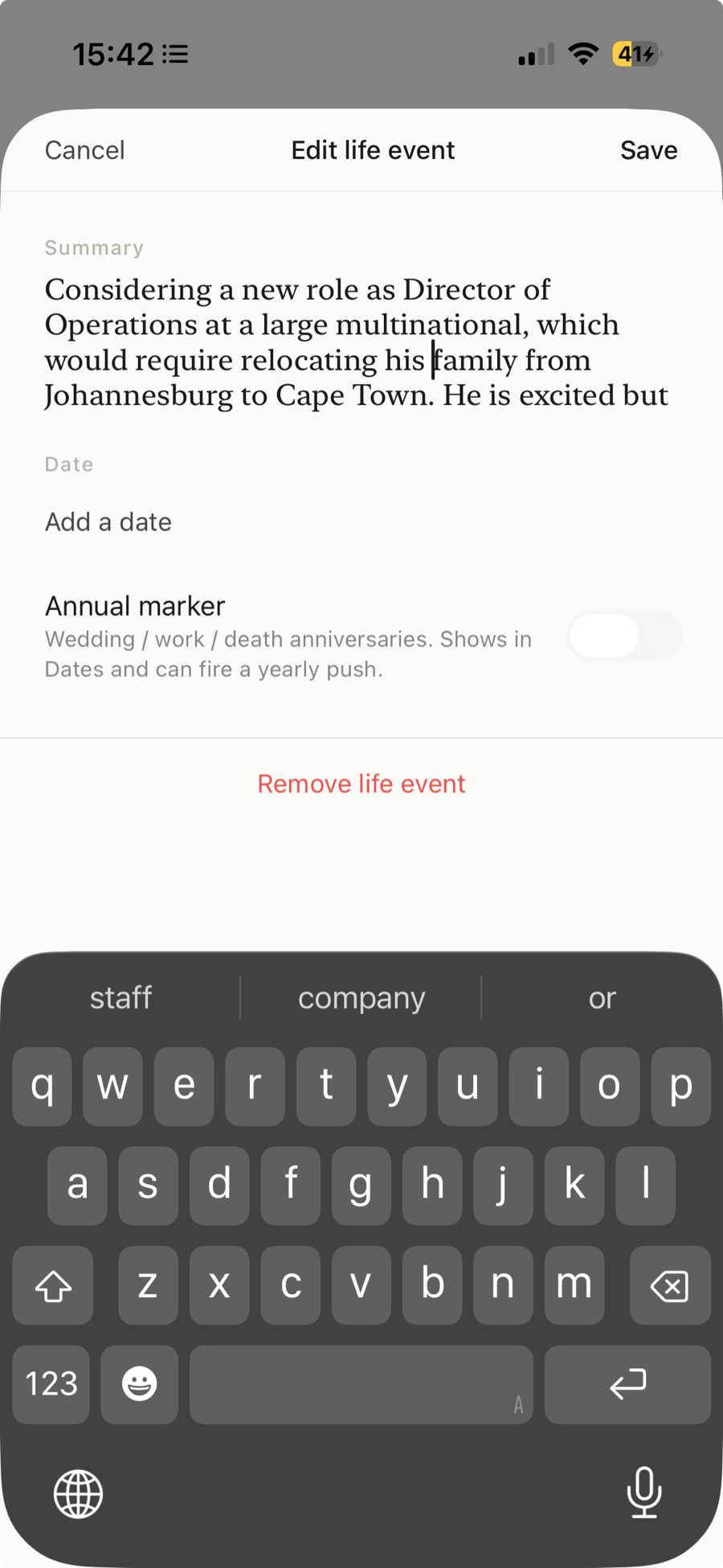
On a profile, tap any detail — a name, a date, an interest, a life event — to change it, or swipe to delete. Nothing is set in stone.
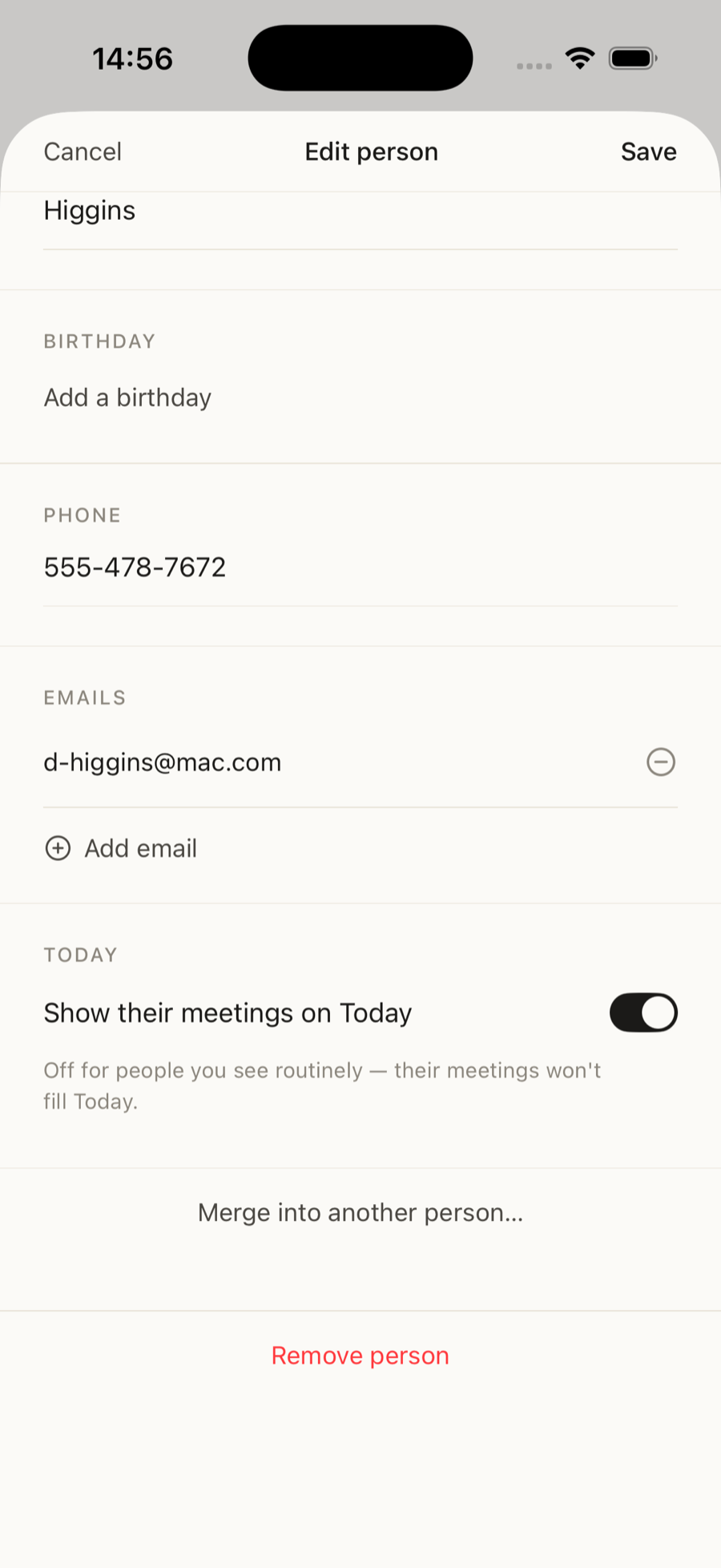
Attendees from weekly-recurring meetings are kept off Today automatically, so relational signal isn’t drowned out. To always keep someone, open their profile, tap Edit, and turn on “Show their meetings on Today”.
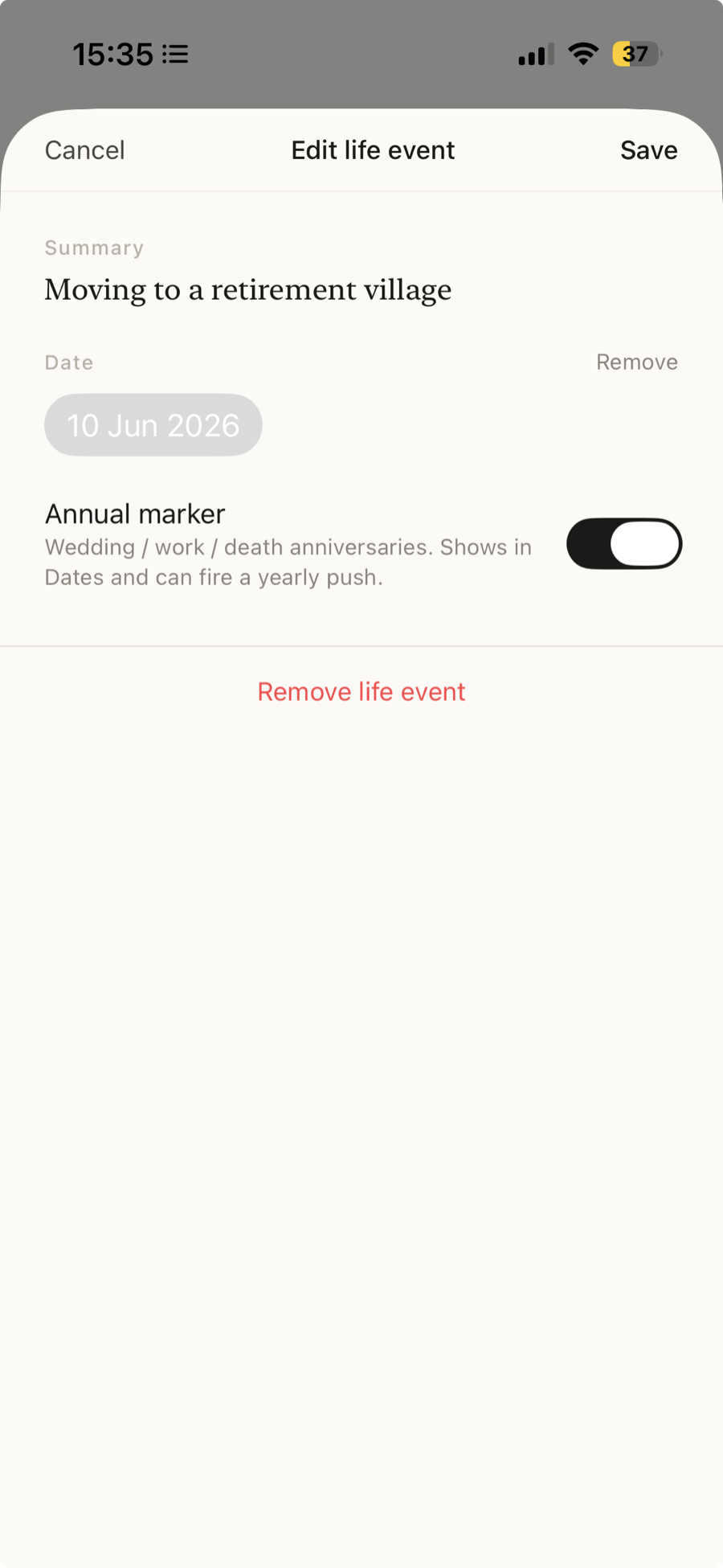
Open a dated life event on someone’s profile and turn on “Annual marker” — for weddings, work anniversaries, the dates worth showing up for. It shows in Dates and gives you a gentle reminder each year, until you switch it off.
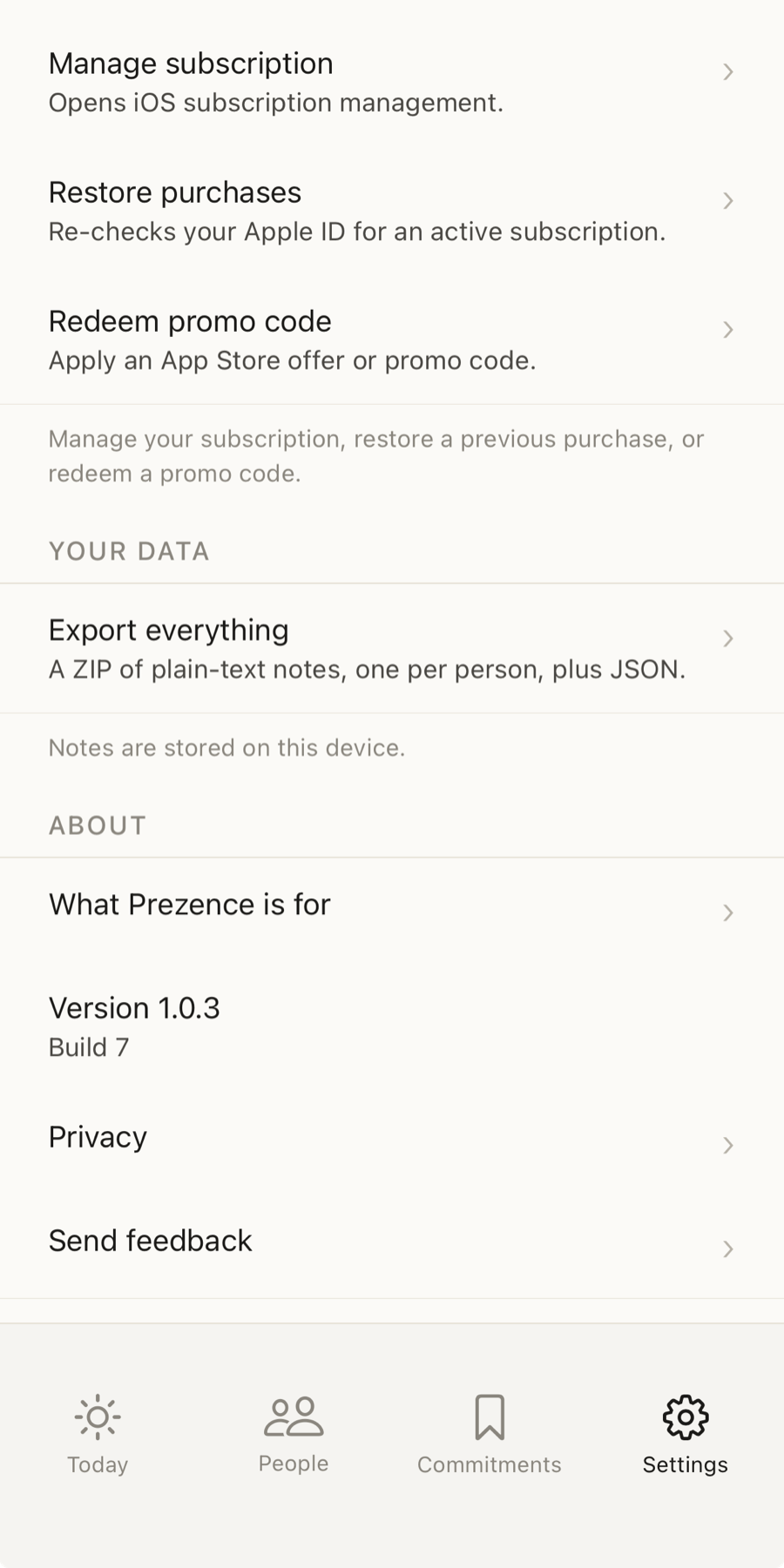
Settings → Export everything → save or share the file. A ZIP of plain-text notes — one per person — plus a JSON copy of everything you’ve captured.
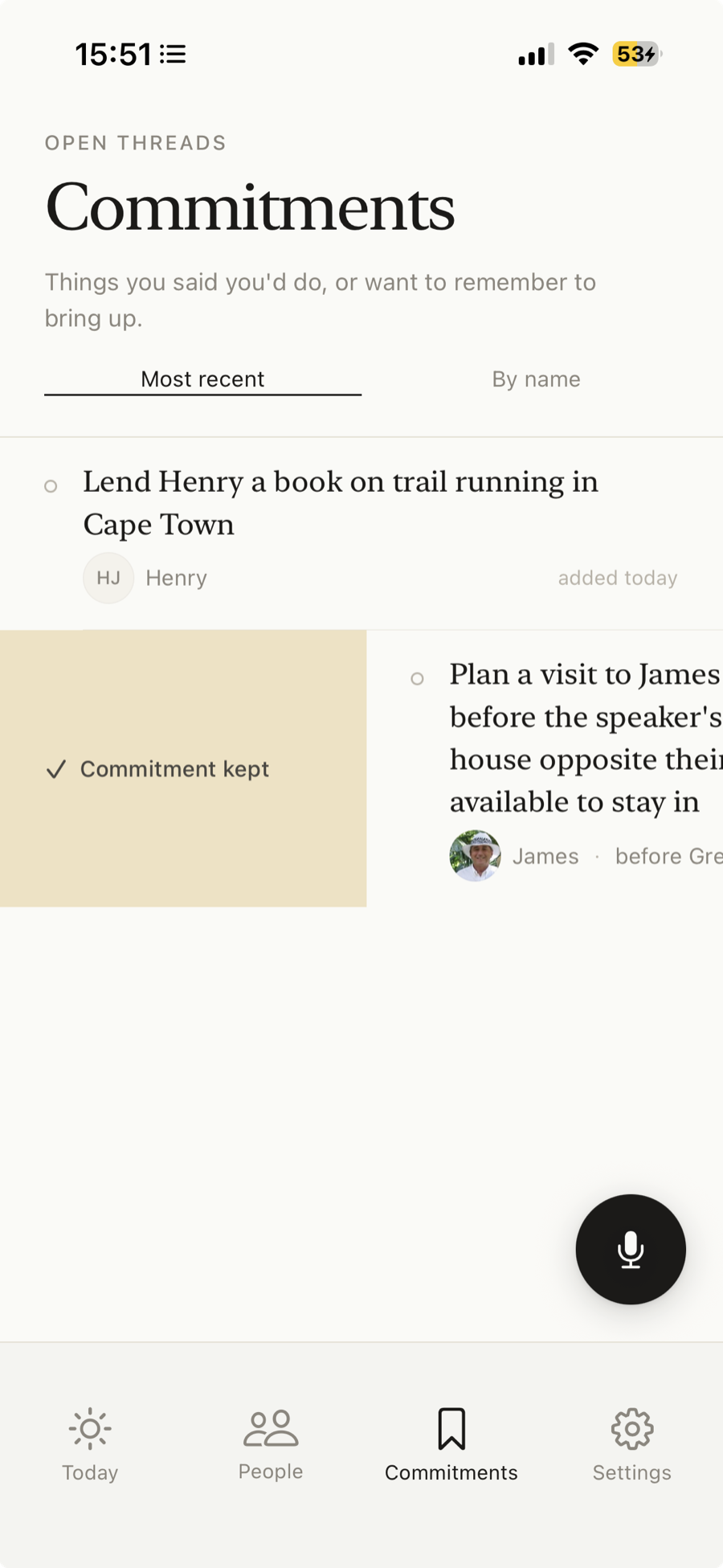
Promises you mention are gathered in the Commitments tab — swipe to mark one kept when it’s done. To sync with Apple Reminders, go to Settings → Reminders → Sync with Reminders and follow the prompts. It’s a two-way sync: check something off in Reminders and it’s checked off in Prezence too.
Reads your calendar to show who you're about to see, and who you just met — matched by name or email.
Push your promises to Apple Reminders, and tick them off from either side.
Voice notes are transcribed by Apple on-device — the audio itself never leaves your iPhone. The transcribed text goes to Anthropic (the company behind Claude) so it can extract signals and answer your questions. Anthropic doesn't train on it, and deletes it after up to 30 days of safety review. Everything else — your notes, the people in your circle, your commitments — stays on your device.
Prezence is $2.99 a month, or $24.99 a year. One plan, 14 days free to start. Simple.